This masterclass
It was a very good experience for me to know more about the ways in which cinema works and to understand the workflow of a cinematic editor from a filmmaker himself.The concepts were very clear and enjoyed the course.
Gokul K.
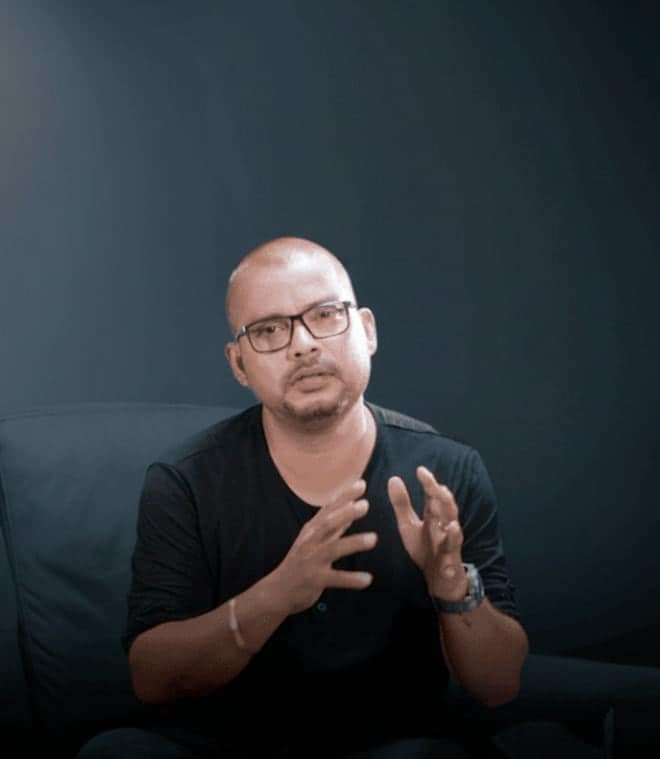
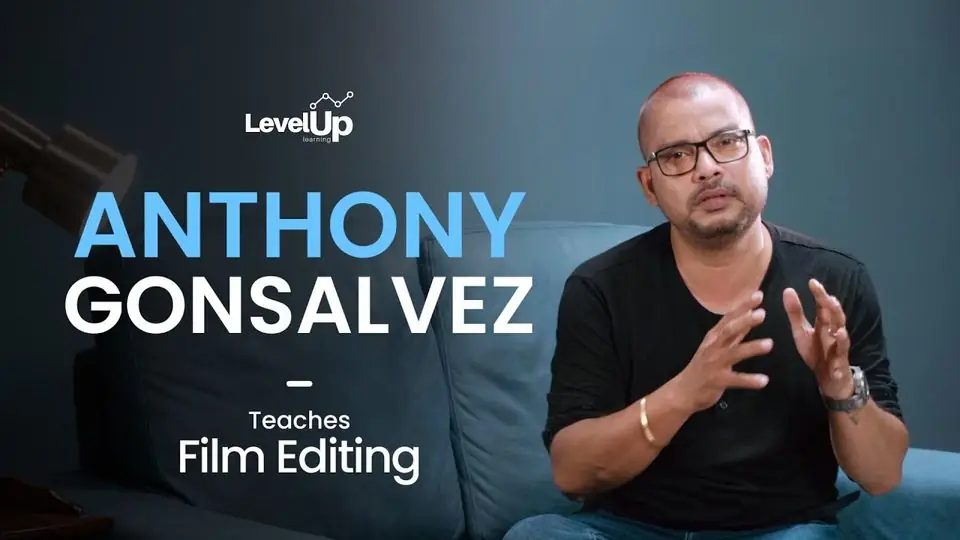
Anthony Gonsalvez
Teaches Film Editing
Full refund within 7 days if you've watched less than a quarter. Refund policy
1800+ Students have bought this course
Trailer
Anthony Gonsalvez introduces his masterclass.
What you learn
Each line points to the lesson that teaches it.
Set up a project and sort your rushes before you cut.
Pick the best take for each moment.
Build a rough cut that holds the story together.
Trim the cut, tighten the pace and add music.
Use L cuts, J cuts, match cuts, cutaways and montage.
Keep a good working partnership with your director.
The lessons
In his first online class, Anthony Gonsalvez edits a short film in front of you, in Avid Media Composer. He sets up the project, sorts the rushes, picks the takes, builds a rough cut, trims it, adds music and exports it. Along the way he talks about working with directors and cutting for an audience.
19 lessons
3 h 3 min of teaching
Each block is one lesson, drawn to its real length. The longest is lesson 6, 32:12; the shortest is lesson 11, 1:17.
Lesson 1· 4:25
Anthony introduces his first online editing class: a practical one, in which he edits a short film in front of you.
Lesson 2· 5:25
How he became an editor, the editors he admired, and why trial and error builds your sense of what works.
Lesson 3· 4:58
Editing in different formats, film editing against ad editing, and making good choices when time is short.
Lesson 4· 9:53
The editor's job: choosing clips that carry the emotion of a scene, and settling the rough cut before you trim.
Lesson 5· 3:02
Getting started in the editing software: a short guide to setting up.
Lesson 6· 32:12
In Avid Media Composer, from creating the project to finding the sound and pictures worth using in your rushes.
Lesson 7· 8:06
How to pick the take for each moment, and how to mark your footage as you go.
Lesson 8· 14:46
Going back over the material until you know it, so the story stays consistent, with shortcuts that keep the cut moving.
Lesson 9· 7:37
Avid Media Composer basics: shortcuts to insert clips, move them between modes and work faster.
Lesson 10· 29:24
He builds a first cut from the performances, drops what the story does not need and orders the rest to hold the viewer.
Lesson 11· 1:17
A short note from Anthony inviting you to make your own rough cut.
Lesson 12· 20:08
With the rough cut done, he watches it again and again, cuts what slows it down, tightens the pace and adds music.
Lesson 13· 8:55
L cut, J cut, jump cut, cross-cutting, cutaway, match cut, cutting on action and montage, and how each one helps the story.
Lesson 14· 16:31
Exporting sound and picture, choosing a format, and exporting only the part you have marked.
Lesson 15· 4:51
Care over every cut, the confidence to make suggestions, experience and patience.
Lesson 16· 3:22
Why the director and editor have to agree on the film, and how to keep that partnership working.
Lesson 17· 4:01
A sense for editing takes time. How to keep improving, work faster and earn bigger chances with new directors.
Lesson 18· 2:10
How audiences in different places react to the same scene, and how to cut for the moment they will clap or cheer.
Lesson 19· 2:16
His closing note: keep practising, and keep asking questions about editing.
Full refund within 7 days if you've watched less than a quarter. Refund policy
Value
What the price works out to, from the real lesson count and running time.
You pay
₹1,999once
Paid once. No subscription.
about ₹105 a lesson, across 19 lessons
Inside the lessons
Short silent clips from the lessons. Each plays when it scrolls into view.

Real rushes in Avid Media Composer, with Anthony at the desk.

L cuts, J cuts, jump cuts, cross-cutting, cutaways, match cuts and montage, and when each one helps the story.

Once the rough cut is done he trims it, picks up the pace and brings in music.
His work
The editor behind these films teaches every lesson himself.
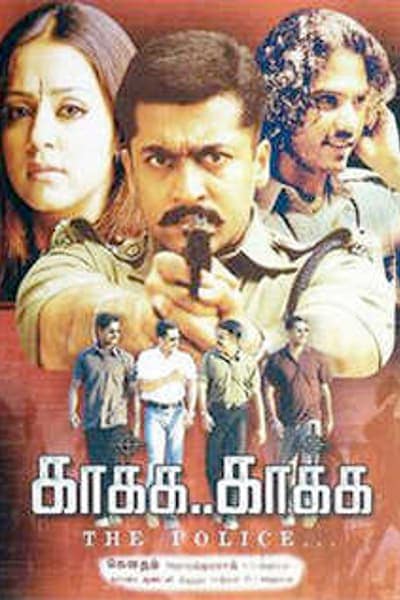
Kaakha Kaakha
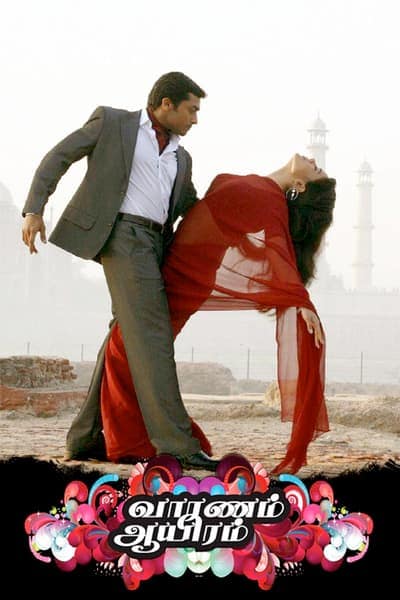
Vaaranam Aayiram
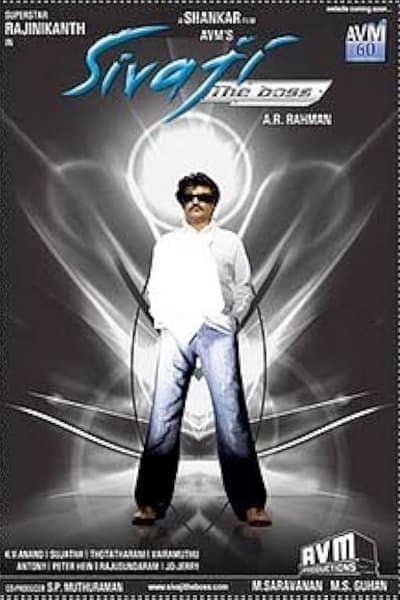
Sivaji
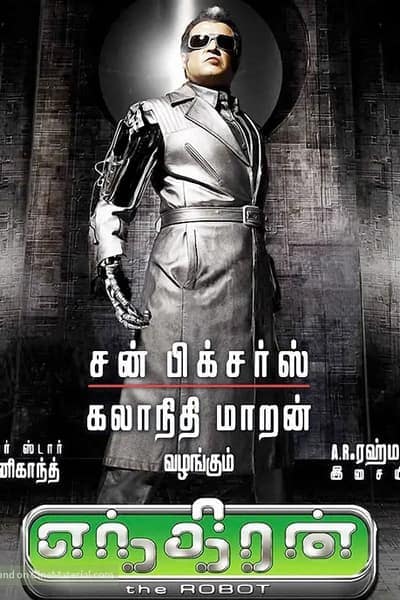
Enthiran
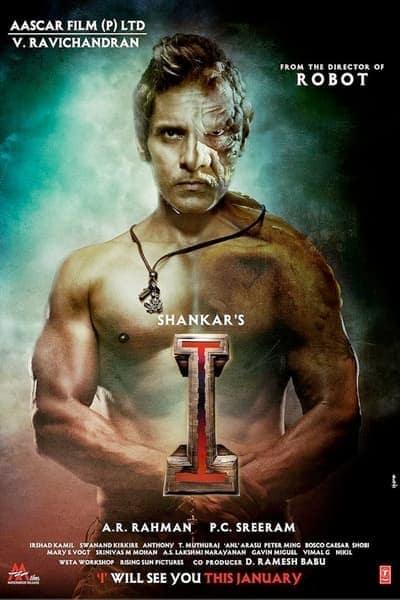
I
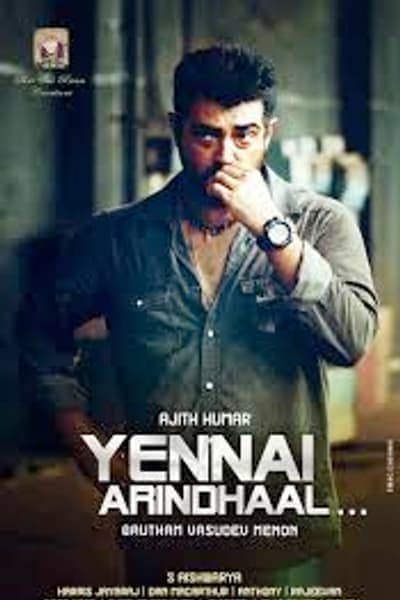
Yennai Arindhaal
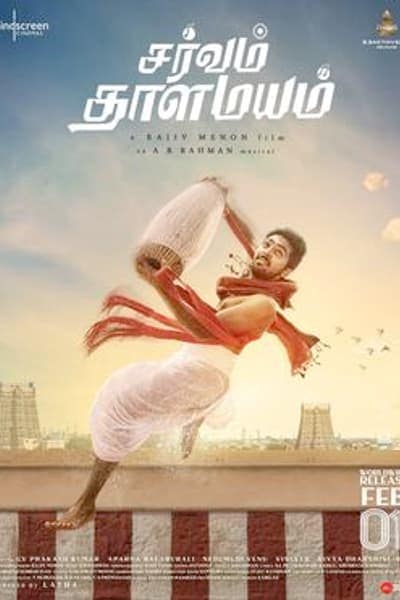
Sarvam Thaala Mayam
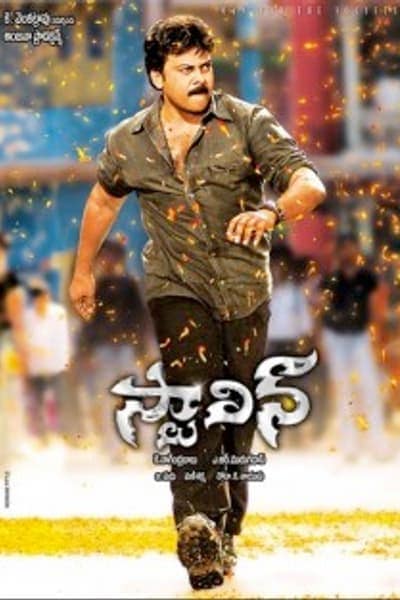
Stalin
Your order
Included
Bonuses worth ₹19,999, for every buyer
Price
₹1,999
One payment of ₹1,999. No subscription.
Buy the masterclassFull refund within 7 days of buying, if you have watched less than a quarter of the course. Refund policy
1800+ Students have bought this course
No risk
Buy it
Start watching straight away. Watch up to a quarter of the course.
Not for you?
Email support@leveluplearning.in within 7 days of buying.
Get it all back
You get the full amount back.
Full refund within 7 days of buying, if you have watched less than a quarter of the course. Refund policy
Reviews
One buyer of this masterclass wrote a review. The rest come from LevelUp's other editing programmes. All are quoted as written, and each card names its course.
It was a very good experience for me to know more about the ways in which cinema works and to understand the workflow of a cinematic editor from a filmmaker himself.The concepts were very clear and enjoyed the course.
Gokul K.
The way he kept each type like music videos, ad films, feature film in a different instead of treating all as one
Mamidi V.
I loved how editing was explained differently for each format short films, music videos, ad films, trailers, and feature films. The session clearly showed how rhythm, pacing, emotion, and structure change based on purpose. It helped me understand why we edit a certain way, not just how.
Mani N.
It was great getting to learn new things about video editing. How an editor can convert the footages into something meaningful and and understanding to the audience
George D.
Professional cinematographer
The Level Up workshops and advanced courses have been instrumental in refining my editing skills and transforming my approach to filmmaking. I've gained valuable insights and knowledge that have greatly benefited my craft.
Hema D.
This workshop gives a completely overview of how editing industry works. It will make us more watchful for the detailing while watching movies or videos and we can learn lot more
Pritish
3d visualiser
The way they explained everything with examples with proper picture video showing, for example like L cuts , fade everything with examples made it easier to understand things more clearly. Also the way he was interacting with us was apt.
Kashish
Student
I like the fact that they don't waste much time on unnecessary details. And we actually learnt something useful. It's like going into the behind the scenes of the creative process. As a newcomer with a lost of interest to create videos, it was the perfect about of information and intensity. They were successful in making me sit for 3 hours at a stretch. And I think it's an achievement in itself for getting started.
Hyndavi R.
Business Development Consultant, Entrepreneur
I really like the way the various aspects and techniques of filmmaking were shared in the workshop, and the explanation of DaVinci Resolve as well. I think this is a really good starting point for beginners to learn about Video Editing, and even those with experience can get to learn or refresh their knowledge from such a workshop! :D
Arjun Y.
Just completed LL.B.
I liked that the workshop was cleverly divided into parts that answered to the questions that would have been circling my mind. Also comprehensive talks about the roles that one would pursue later on.
Gandhesh K.
Student
Before you buy
For you if
Not for you if
Full refund within 7 days if you've watched less than a quarter. Refund policy
FAQ
Anyone who edits or wants to: beginners, working editors and filmmakers. Anthony breaks down his own process and edits a scene from the footage, step by step.
No. You need an interest in learning, a phone, tablet or laptop with internet, and 3 h 3 min to watch it all.
Avid Media Composer. Lessons 6 and 9 show how he sets it up and works in it.
English, with English subtitles.
No. Anthony teaches every lesson on video, so you watch when it suits you. There are no live sessions.
Yes, a signed certificate from Anthony Gonsalvez. You can download it once you finish every lesson.
Email support@leveluplearning.in within 7 days of buying. If you have watched less than a quarter of the course, you get a full refund. Refund policy
For life. You pay once. There is no subscription and nothing renews.
In the LevelUp app or website, on your phone, tablet or laptop. Lessons stream; they cannot be downloaded.
Still have a question?
Ask us on WhatsAppAnthony Gonsalvez
19 lessons · 3 h 3 min · English, with English subtitles · ₹1,999, paid once
Full refund within 7 days if you've watched less than a quarter. Refund policy
1800+ Students have bought this course
Keep learning
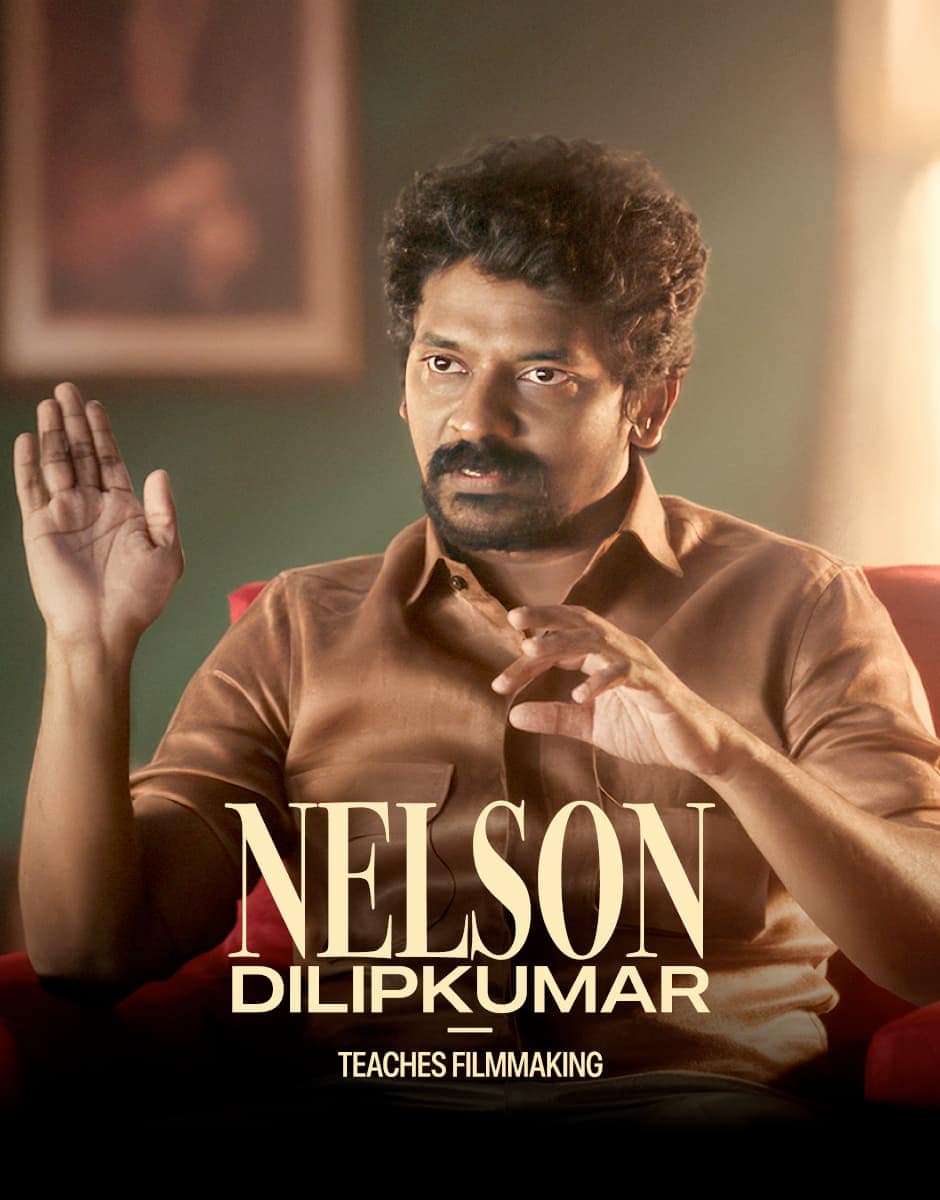
Writing and direction
Nelson Dilipkumar
29 lessons · 2 h 33 min
₹2,499
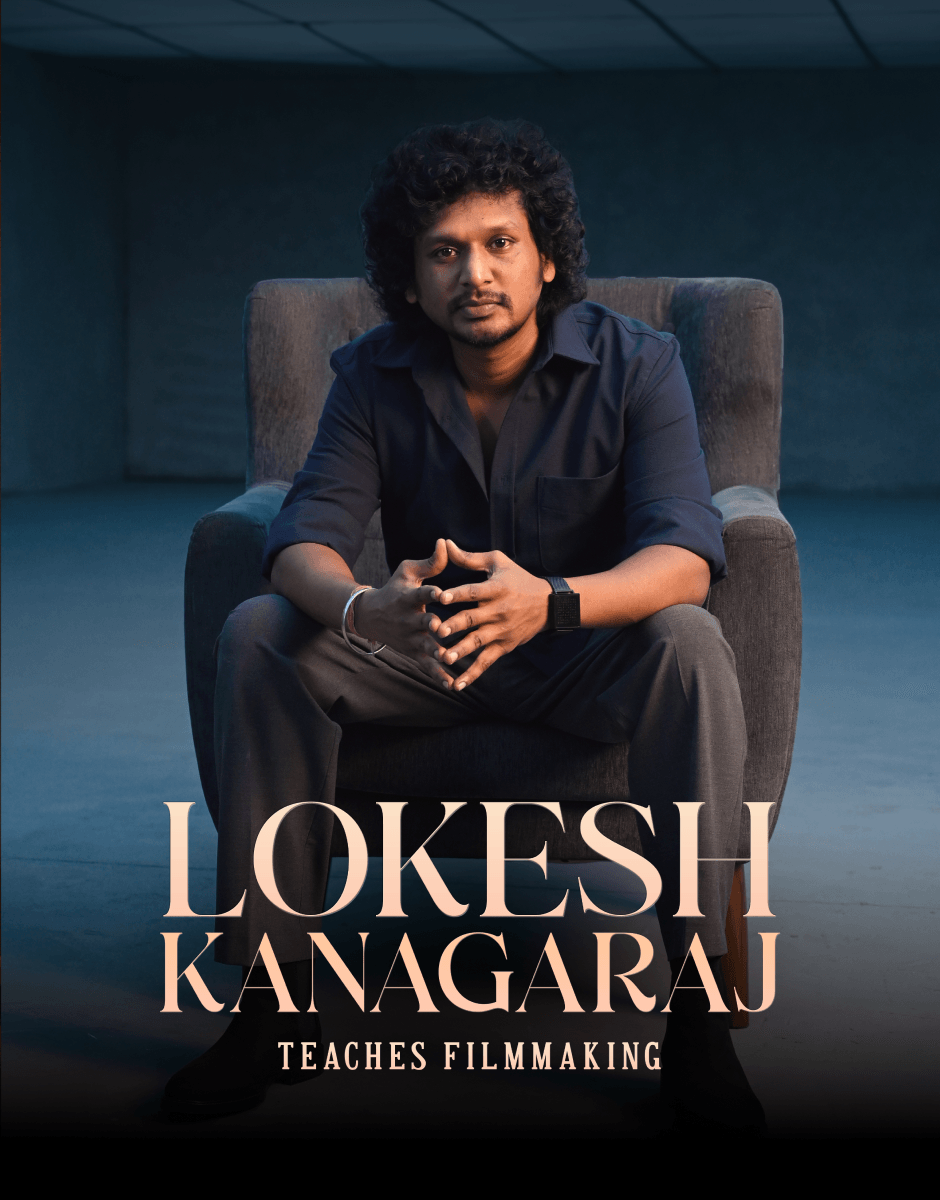
Writing and direction
Lokesh Kanagaraj
15 lessons · 1 h 34 min
₹1,499
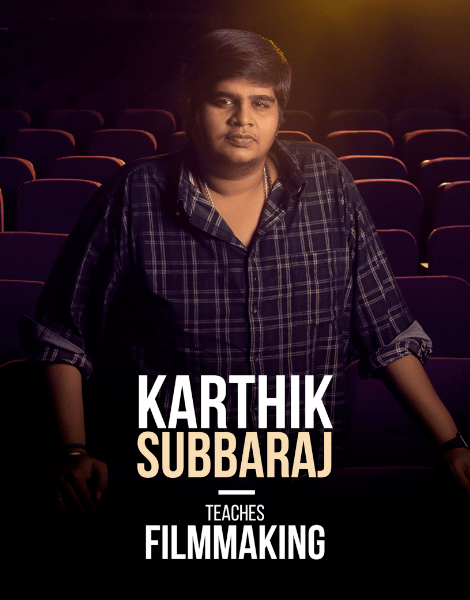
Filmmaking
Karthik Subbaraj
24 lessons · 3 h 4 min
₹2,499
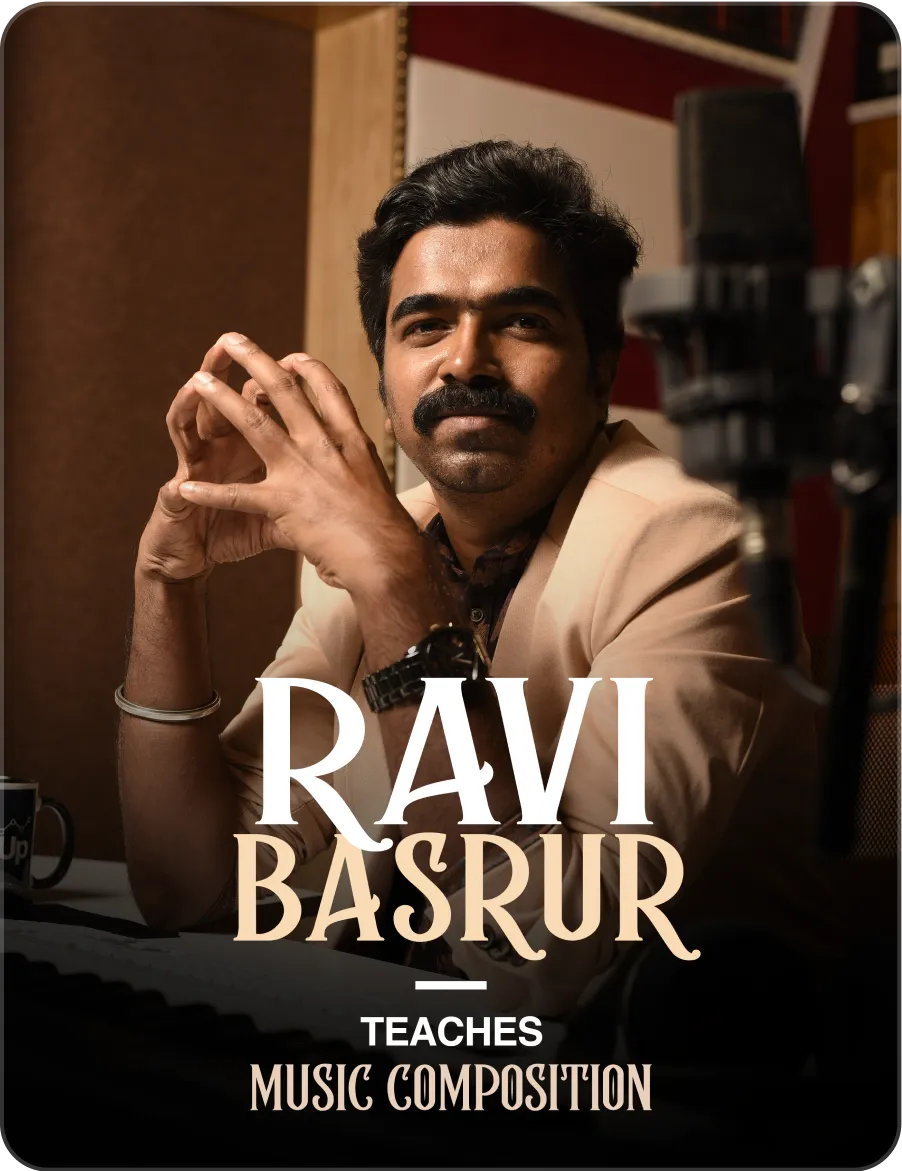
Film music
Ravi Basrur
15 lessons · 5 h 12 min
₹2,499
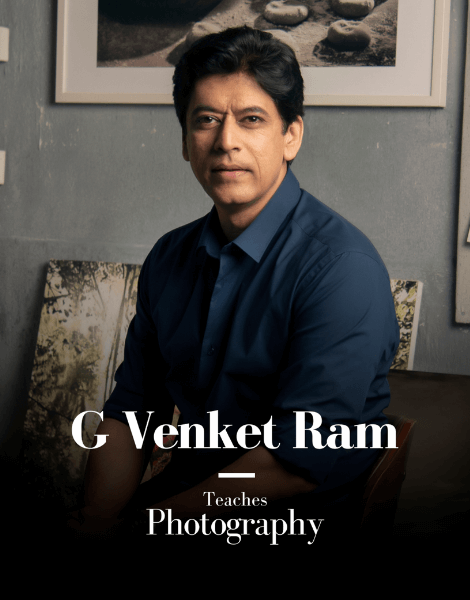
Photography
G Venket Ram
21 lessons · 2 h 19 min
₹2,499
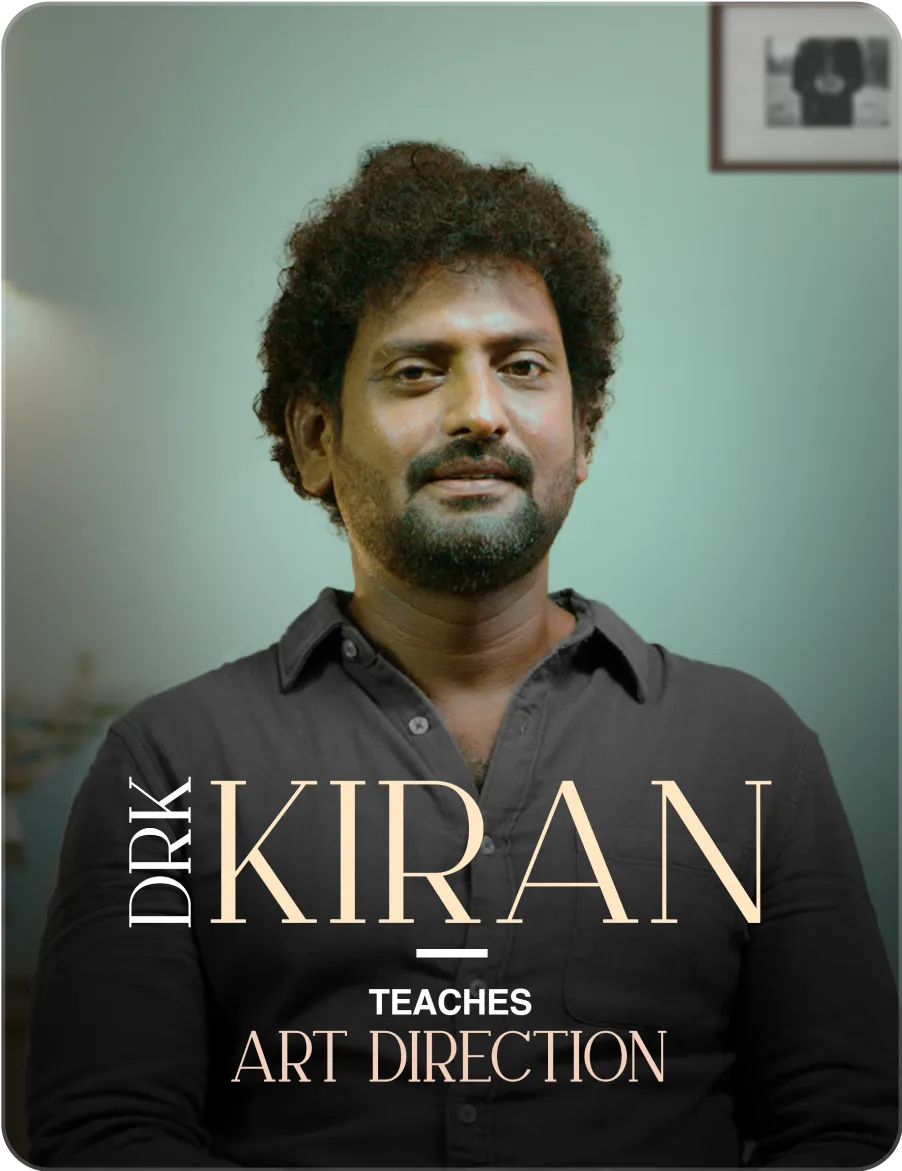
Art direction
DRK Kiran
20 lessons · 1 h 52 min
₹999